Mac menu-bar display helper
DisplayHelper Pro
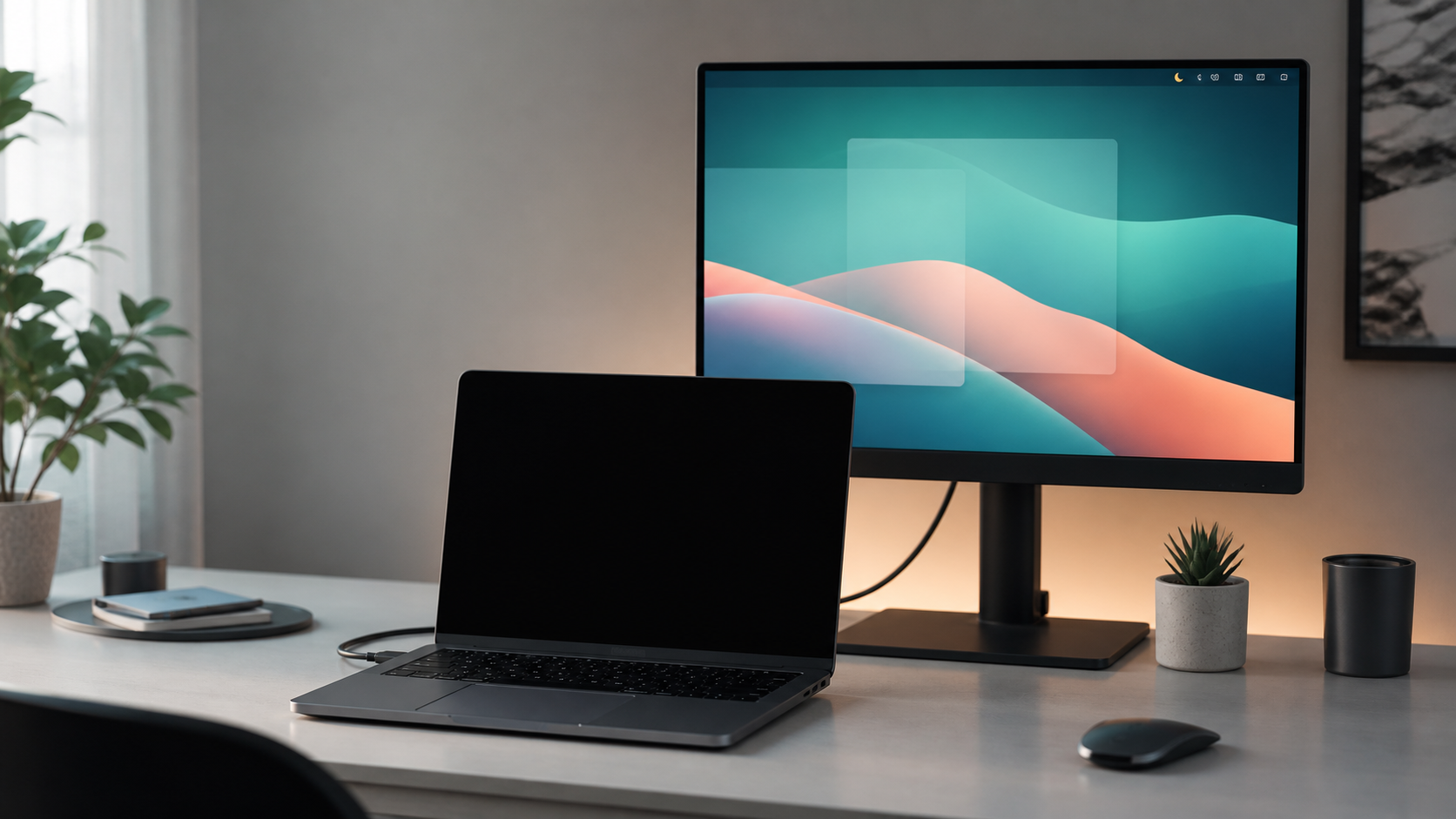
DisplayHelper Pro keeps the built-in MacBook display dark while mirroring, adds focused menu-bar display controls, and can switch to stronger Wi-Fi.
Blackout
Keep the built-in MacBook display dark while mirroring to an external monitor.
Controls
Mirror, dim, sleep, display levels, keyboard brightness, and shortcuts from the menu bar.
Wi-Fi
Optionally switch to stronger saved Wi-Fi when the current signal gets weak.
No Dock window
No Wi-Fi passwords
14-day trial
What is it?
Everything it does.
- Auto Blackout Keeps the built-in MacBook display dark while it mirrors an external display.
- Display controls Switch mirroring, dim displays until key press, sleep the Mac, and adjust display brightness or contrast from the menu bar.
- Keyboard backlight Adjust the built-in MacBook keyboard brightness with a slider.
- Auto Wi-Fi Switch When enabled, watches saved Wi-Fi networks and switches to a better known access point when your current signal drops.
- Privacy basics No account, no analytics, no Wi-Fi passwords, and no Dock window.

What's good about it?
Less fuss at your desk.
- Only blacks out when it should dark when mirrored, normal when the MacBook screen is part of your workspace
- Fast everyday actions switch mirroring, dim until key press, sleep, adjust display and keyboard brightness, and let Wi-Fi switch when needed
- Helpful, not noisy runs from the menu bar without a Dock window, account, or analytics
How to get it
Download and try it for 14 days.
- Download one app for Apple Silicon and Intel Macs
- Install drag DisplayHelper Pro to Applications
- Try it all Pro features are enabled during the trial
macOS 13.0 or later
arm64 + x86_64
- 1 Download the DMG.
- 2 Drag the app to Applications.
- 3 Launch it from Applications.
Developer signed and Apple notarized.