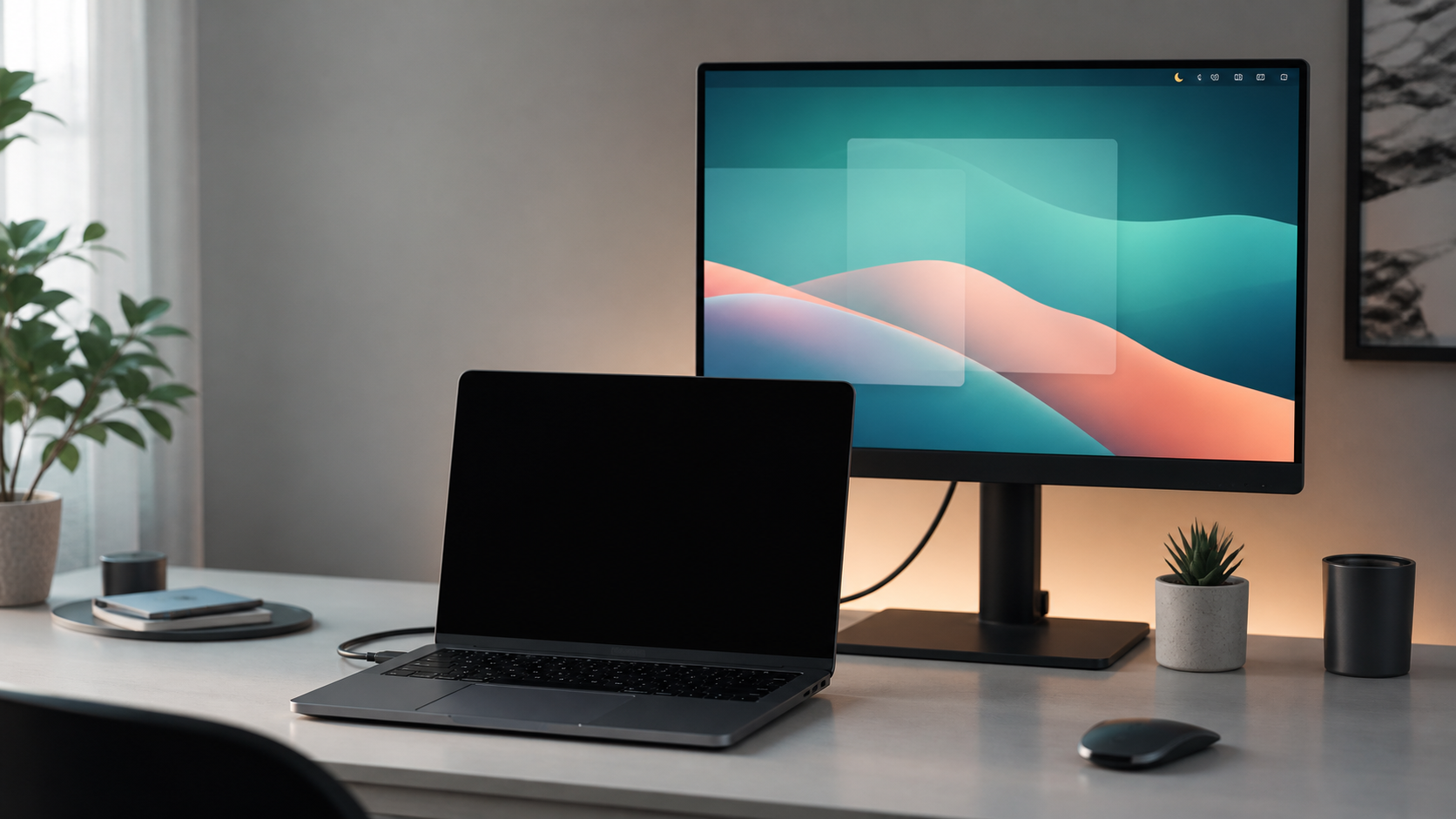
Laptop with blacked-out built-in display in front of an active external monitor.

Mac menu-bar utility suite

DeskHelper Pro

A quiet menu-bar app for MacBook display control, keyboard backlight, Auto Wi-Fi Switch, Finder context menu actions, local Safes, and Secure Pocket.

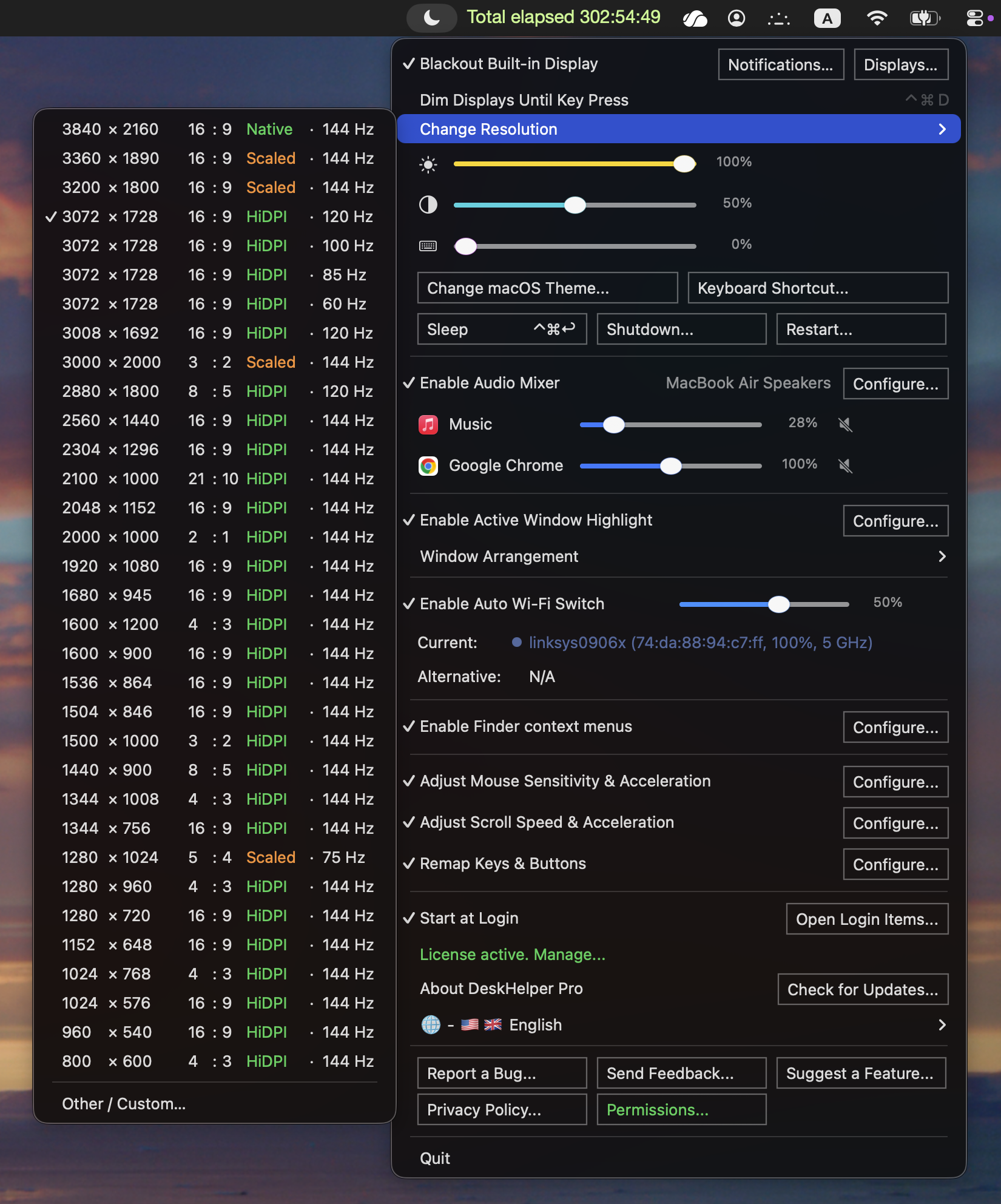
Blackout Keep the built-in MacBook display dark while mirroring to an external monitor.
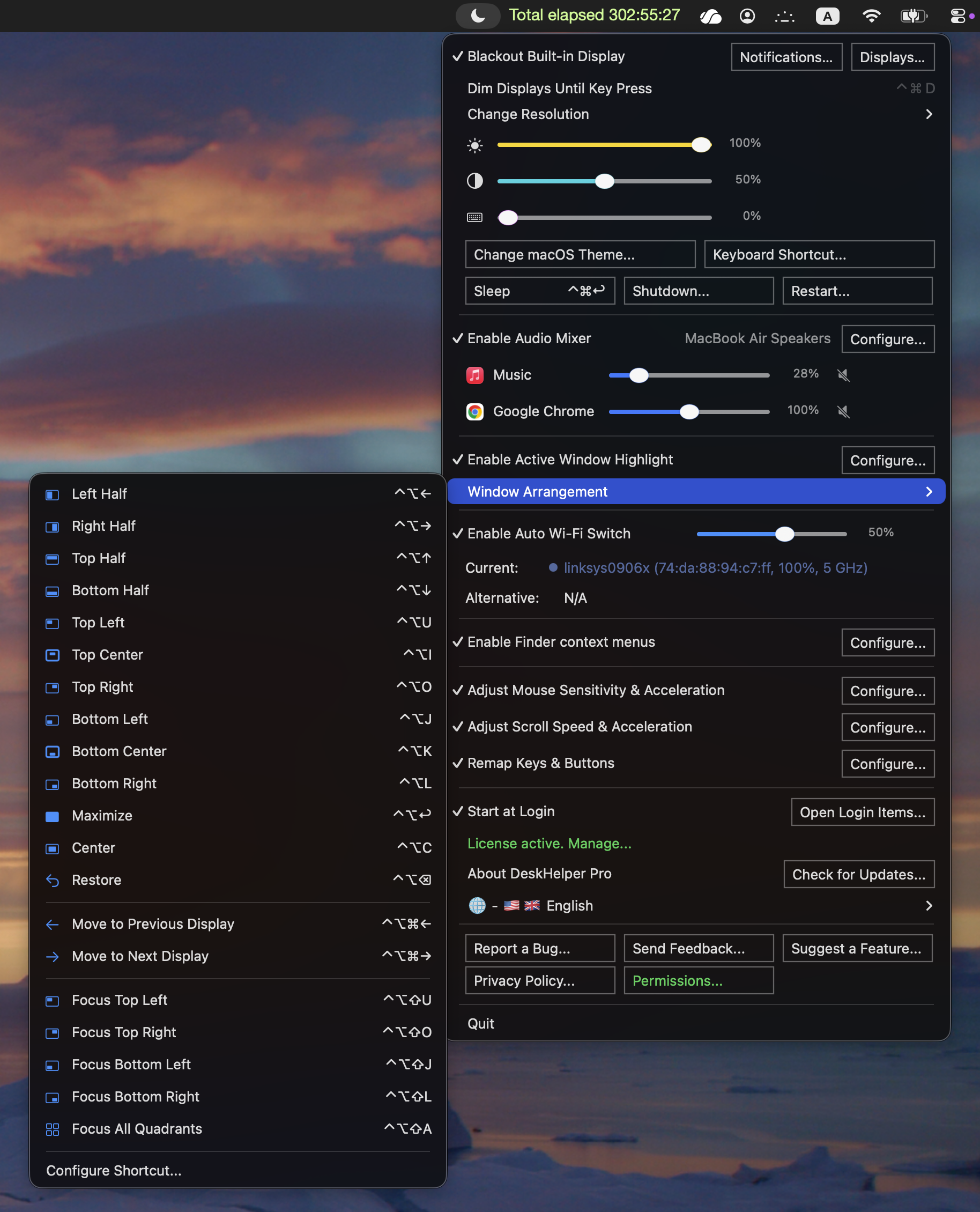
Controls Mirror, dim, sleep, display levels, keyboard brightness, and shortcuts from the menu bar.
Finder + Safes Create files and folders, paste items, open paths in apps, and encrypt or decrypt local Safes.
No Dock window No Wi-Fi passwords Finder context menus Local Safes Full Disk Access guidance 14-day trial
What is it?

Everything it does.

  • Auto Blackout Keeps the built-in MacBook display dark while it mirrors an external display.
  • Display controls Switch mirroring, dim displays until key press, sleep the Mac, and adjust display brightness or contrast from the menu bar.
  • Keyboard backlight Adjust the built-in MacBook keyboard brightness with a slider.
  • Auto Wi-Fi Switch When enabled, watches saved Wi-Fi networks and switches to a better known access point when your current signal drops.
  • Finder context menus Use New File, New Folder, Paste, Copy Path, and Open in TextEdit, Terminal, Codex, Claude, VSCode, or another compatible app from Finder.
  • Safes Encrypt selected files or folders into a single local .safe file, add to an existing Safe, or decrypt a Safe back into a folder.
  • Secure Pocket Keep small private notes, clipboard snippets, and files in a local encrypted vault, with .mhpocket package export and import.
  • 100% confidential Unlike Google Drive, OneDrive, GitHub, and other general-purpose cloud or code services, plaintext, passwords, and encryption keys stay on your Mac.
  • Privacy basics No account, no analytics, no Wi-Fi passwords, no Safe password logging, no Dock window, and clear guidance for optional Full Disk Access.
Finder context menu showing DeskHelper Pro actions such as New File, New Folder, Paste, Copy Path, Open in apps, Encrypt or Decrypt Safes, and Secure Pocket.
What's good about it?

Less fuss at your desk.

  • Only blacks out when it should dark when mirrored, normal when the MacBook screen is part of your workspace
  • Fast everyday actions switch mirroring, dim until key press, sleep, adjust display and keyboard brightness, open Finder paths, encrypt Safes, use Secure Pocket, and let Wi-Fi switch when needed
  • Helpful, not noisy runs from the menu bar without a Dock window, account, or analytics
For desk setups made for MacBooks that spend real time connected to an external display
For Finder and private files create, paste, open, encrypt, decrypt, and pocket selected items from the context menu you already use
For privacy no account, no analytics, no Wi-Fi passwords, and feedback opens as a reviewable email draft
How to get it

Download and try it for 14 days.

  • Download one app for Apple Silicon and Intel Macs
  • Install drag DeskHelper Pro to Applications
  • Try it all Pro features are enabled during the trial
macOS 13.0 or later arm64 + x86_64
  1. 1 Download the DMG.
  2. 2 Drag the app to Applications.
  3. 3 Launch it from Applications.
Developer signed and Apple notarized.