Display Control
Manage the visual workspace without jumping between System Settings and display menus.
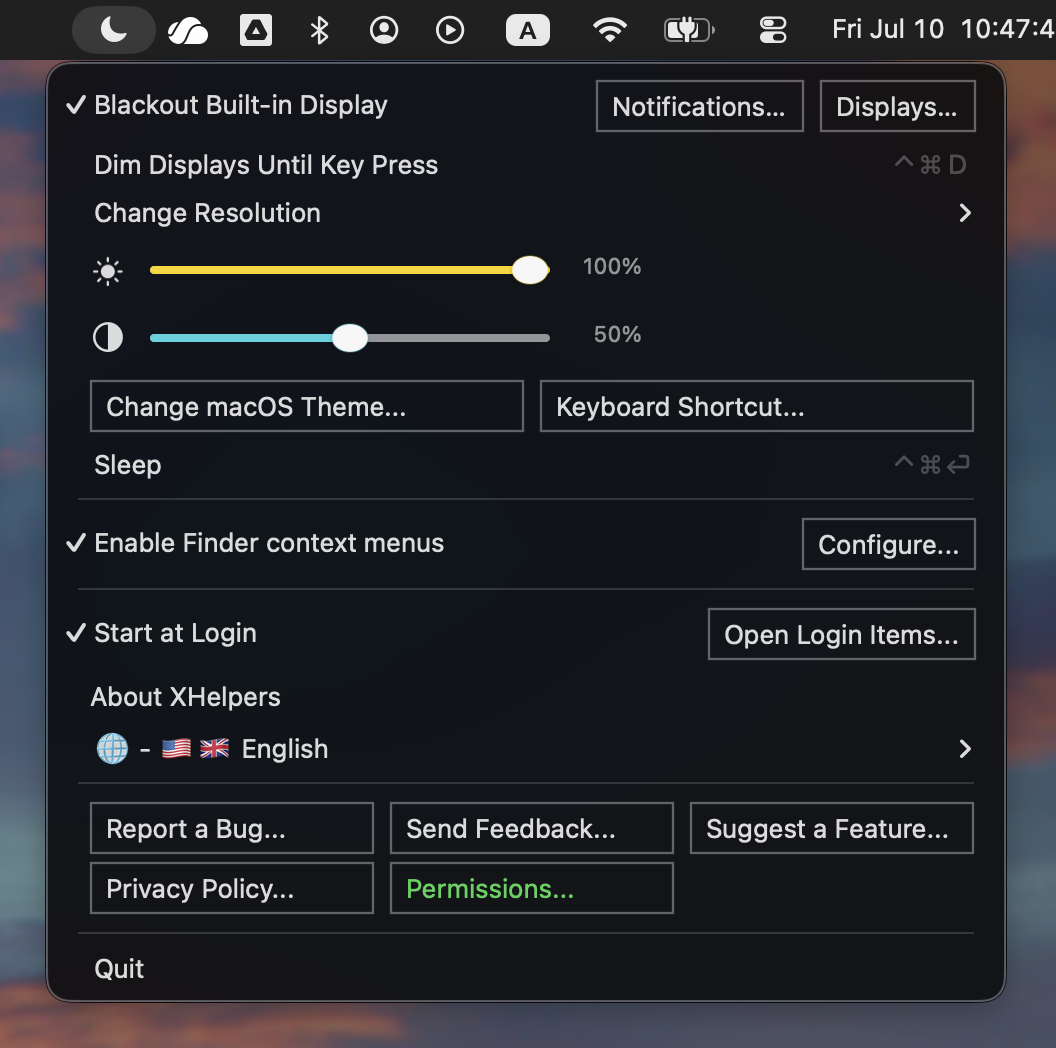
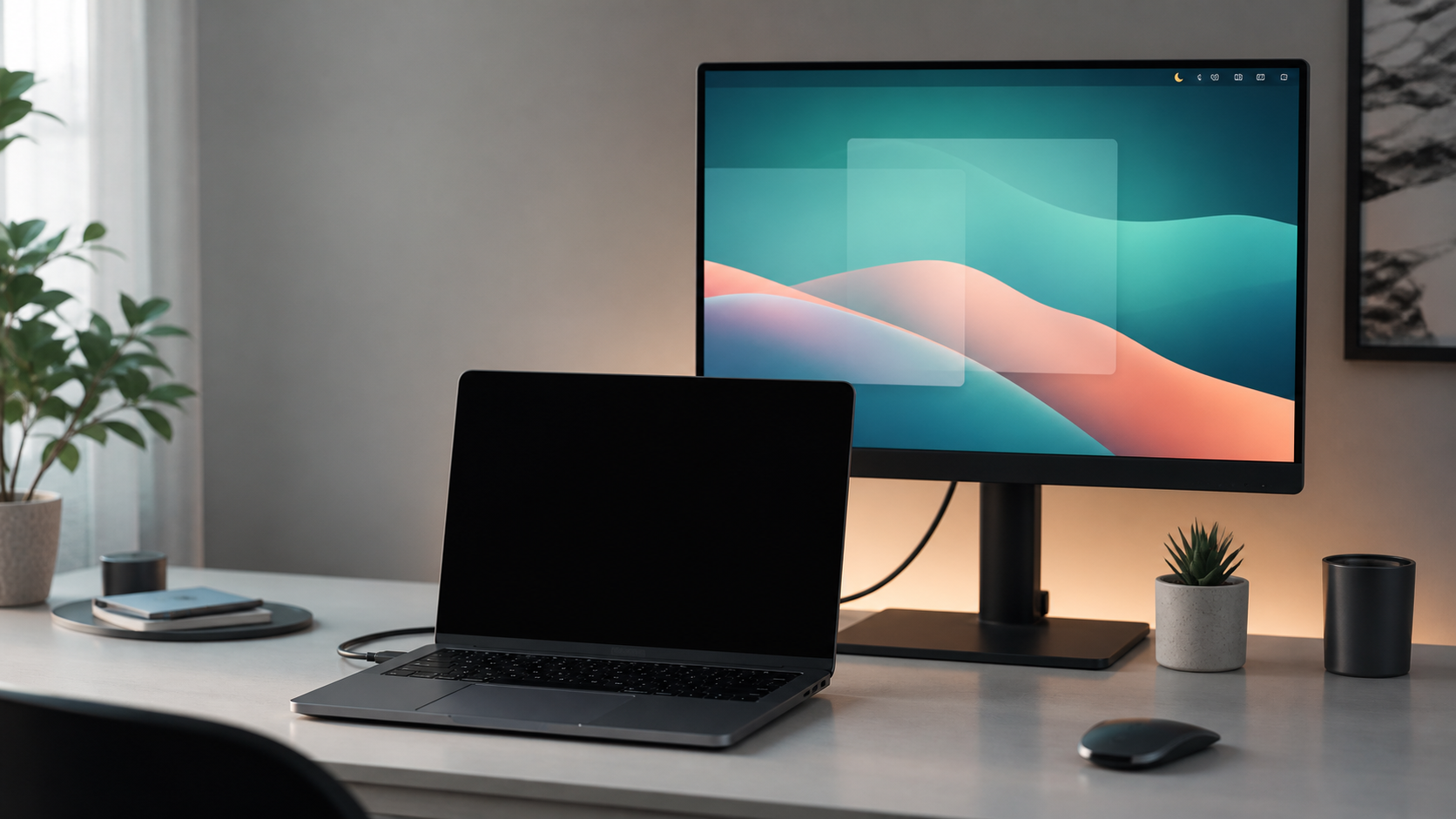
- Black out the built-in MacBook display while mirroring to an external monitor.
- Switch mirroring, dim displays until key press, sleep, and adjust brightness or contrast.
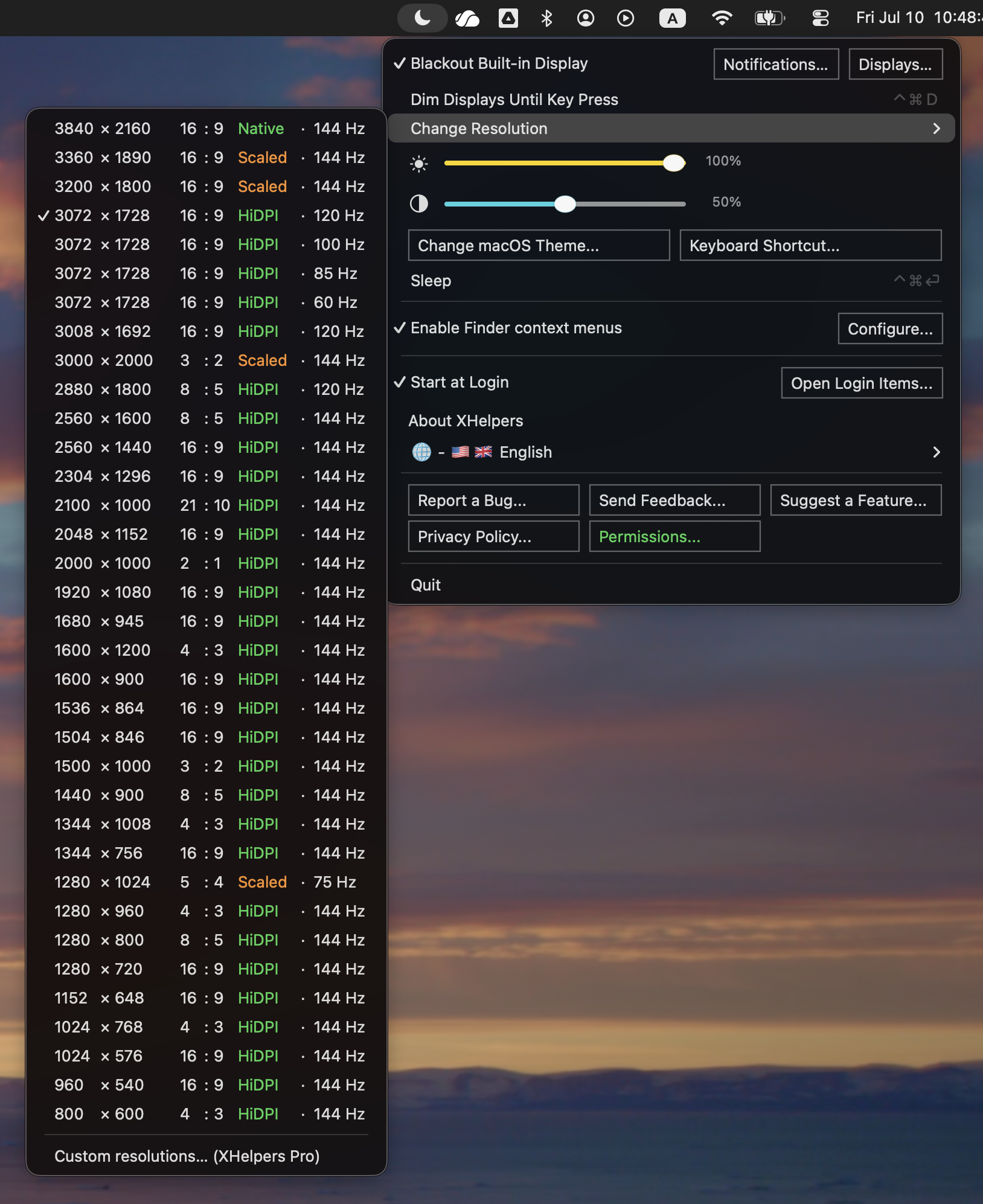
- Quick-switch among your display's supported modes, including HiDPI.
Custom HiDPI resolution presets, window arrangement, and the active-window highlight are part of XHelpers Pro; XHelpers switches among the modes your display already supports.