
Mac App Store menu-bar display helper
DisplayHelper
A quiet menu-bar app for mirrored MacBook display setups.
Blackout
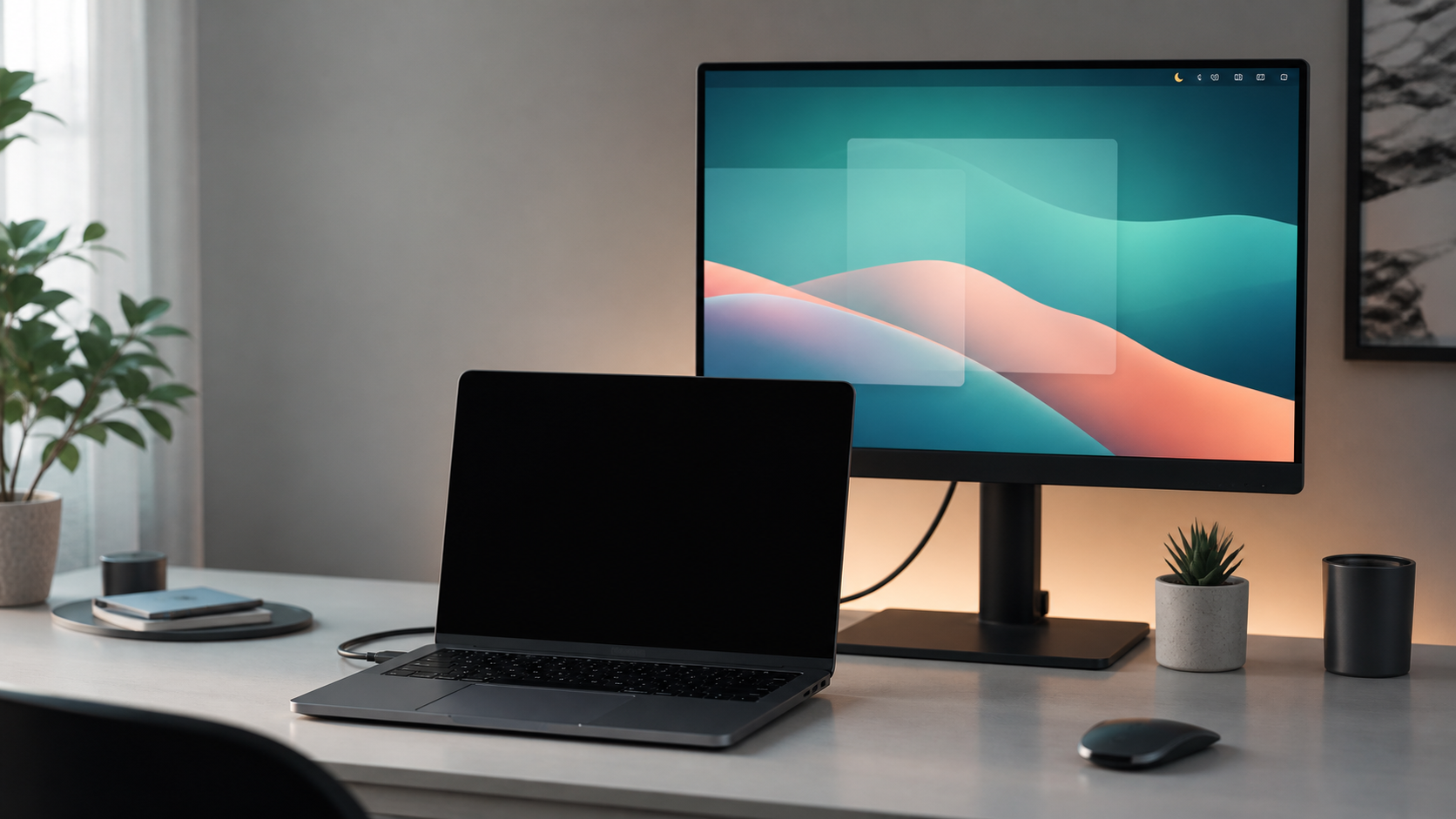
Keep the built-in MacBook display dark while mirroring to an external monitor.
Controls
Mirror, dim, sleep, display levels, and shortcuts from the menu bar.
Local
No account, no analytics, no tracking, and no Dock window.
Mac App Store edition
No account
No analytics
Menu bar only
What is it?
Display controls for mirrored MacBooks.
- Auto Blackout Keeps the built-in MacBook display dark while it mirrors an external display.
- Display controls Switch mirroring, dim displays until key press, sleep the Mac, and adjust display brightness or contrast from the menu bar.
- Keyboard shortcuts Assign shortcuts for mirroring, dimming, and sleep.
- Start at Login Launch DisplayHelper automatically when you sign in.
- Privacy basics No account, no analytics, no automatic reports, and no Dock window.

What's good about it?
Less glare, less fuss.
- Only blacks out when it should dark when mirrored, normal when the MacBook screen is part of your workspace
- Fast everyday actions switch mirroring, dim until key press, sleep, adjust levels, and open common settings from one menu
- Local-first by default settings stay on your Mac, feedback opens as a reviewable email draft, and there is no analytics SDK
How to get it
Get DisplayHelper from the Mac App Store.
- Install download DisplayHelper from the Mac App Store
- Update receive updates through the Mac App Store
- Run locally use menu-bar display controls without an account or analytics
macOS 13.0 or later
Apple Silicon + Intel
- 1 Open the Mac App Store listing.
- 2 Install DisplayHelper.
- 3 Launch it from Applications.
Available on the Mac App Store.