XTimers 3.5.0
Your time, together.
Timers, countdowns, world clocks and reports in one flexible workspace.
 XTimersPress & media
XTimers / Press & media
Count-up timers, countdowns, world clocks and reports. One flexible workspace for the time that matters to you.
PNG assets, a real demo, product copy & provenance.
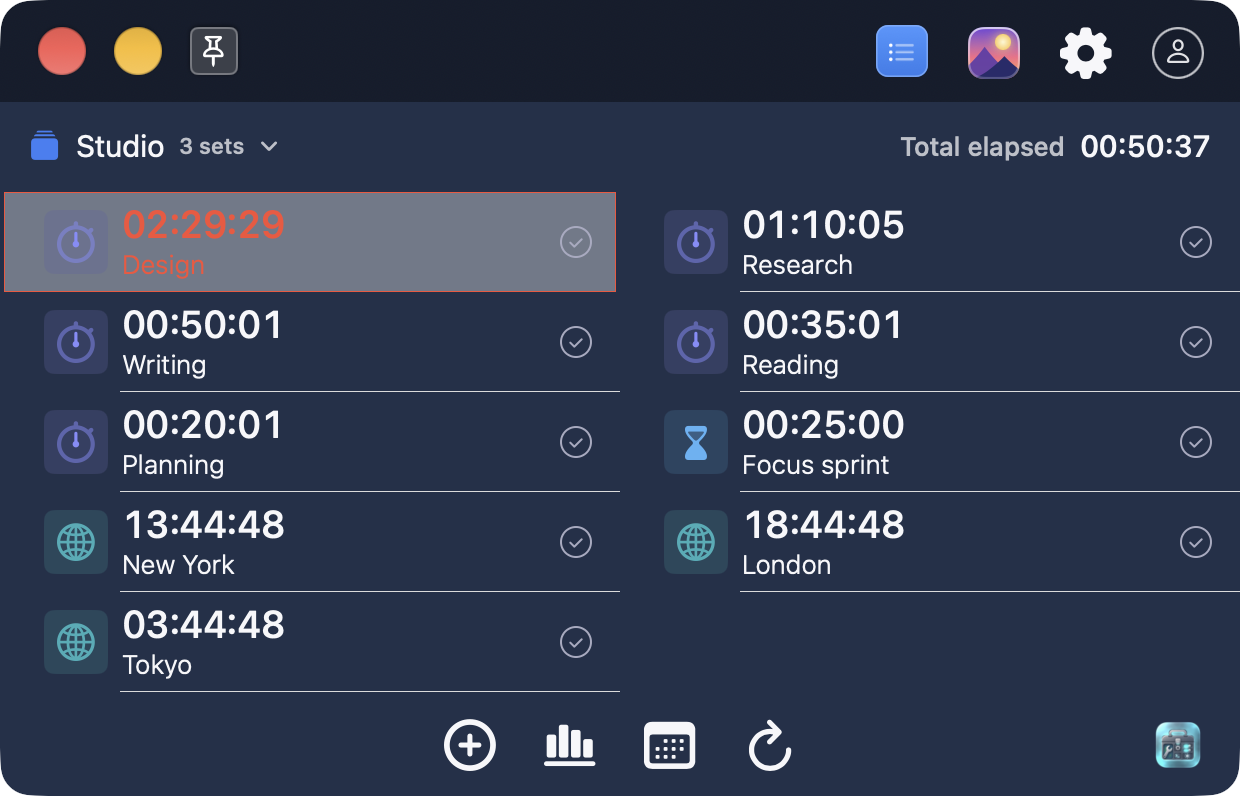
Timers, countdowns, world clocks and reports in one flexible workspace.
Requires macOS 13 or later.
Free download on the Mac App Store.
Ten feature images, six native captures and a 40-second walkthrough, ready to share.
Product facts and media for XTimers 3.5.0.
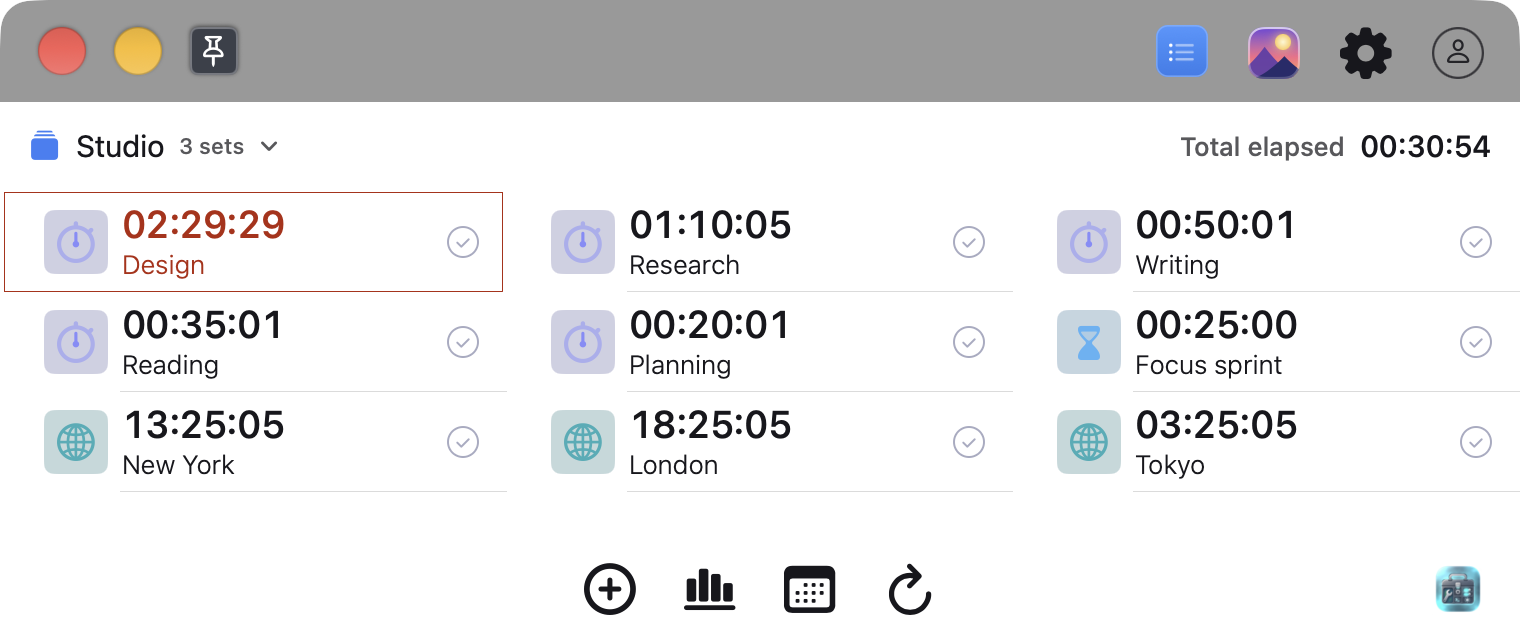
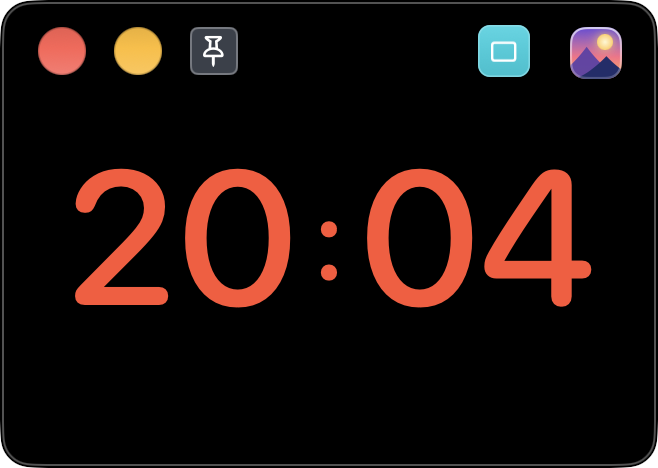
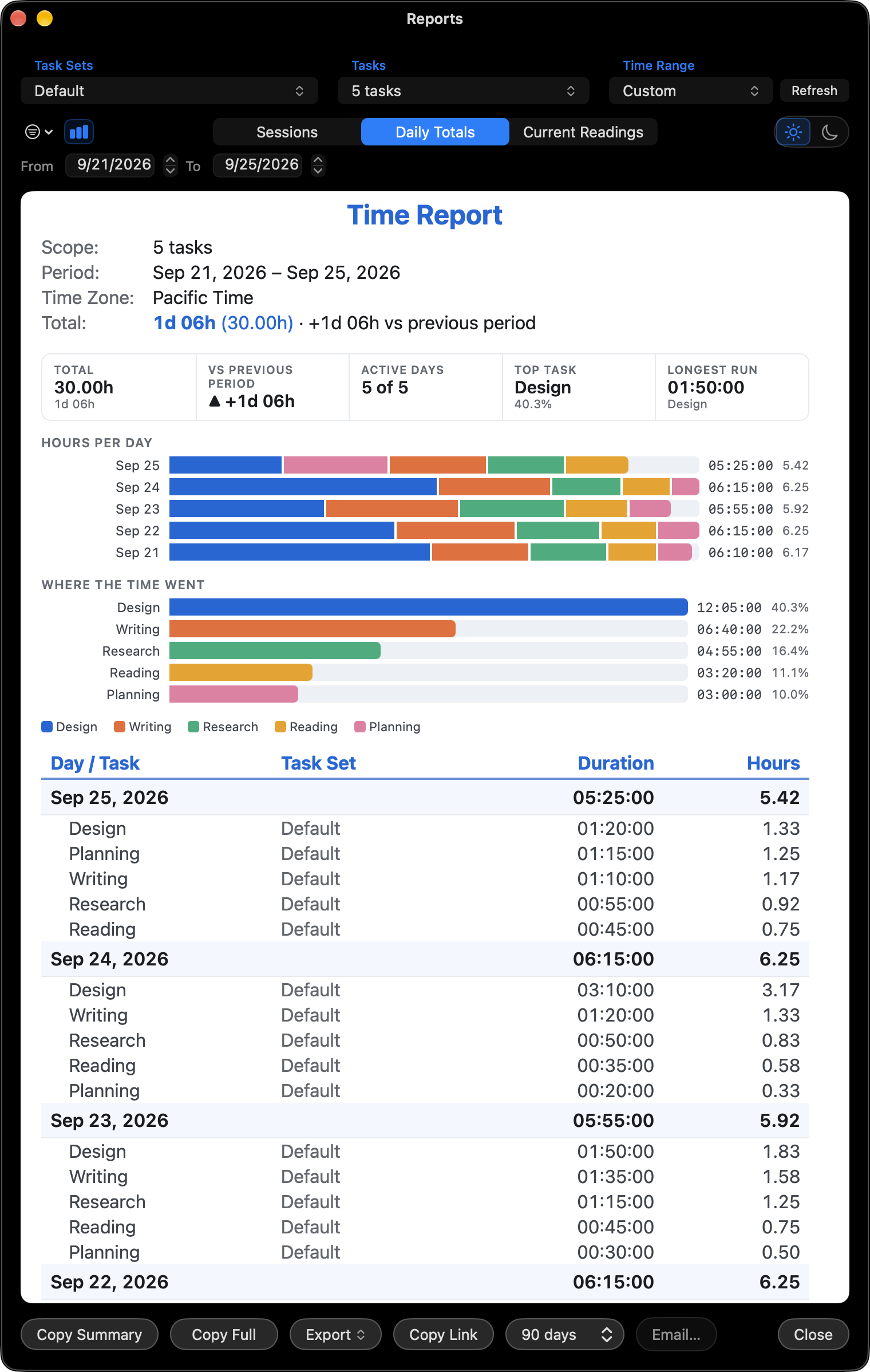
XTimers combines named timers, countdowns, reusable task sets and world clocks. The menu-bar reading keeps a task visible while you use other Mac apps, and local reports help you review recorded time.
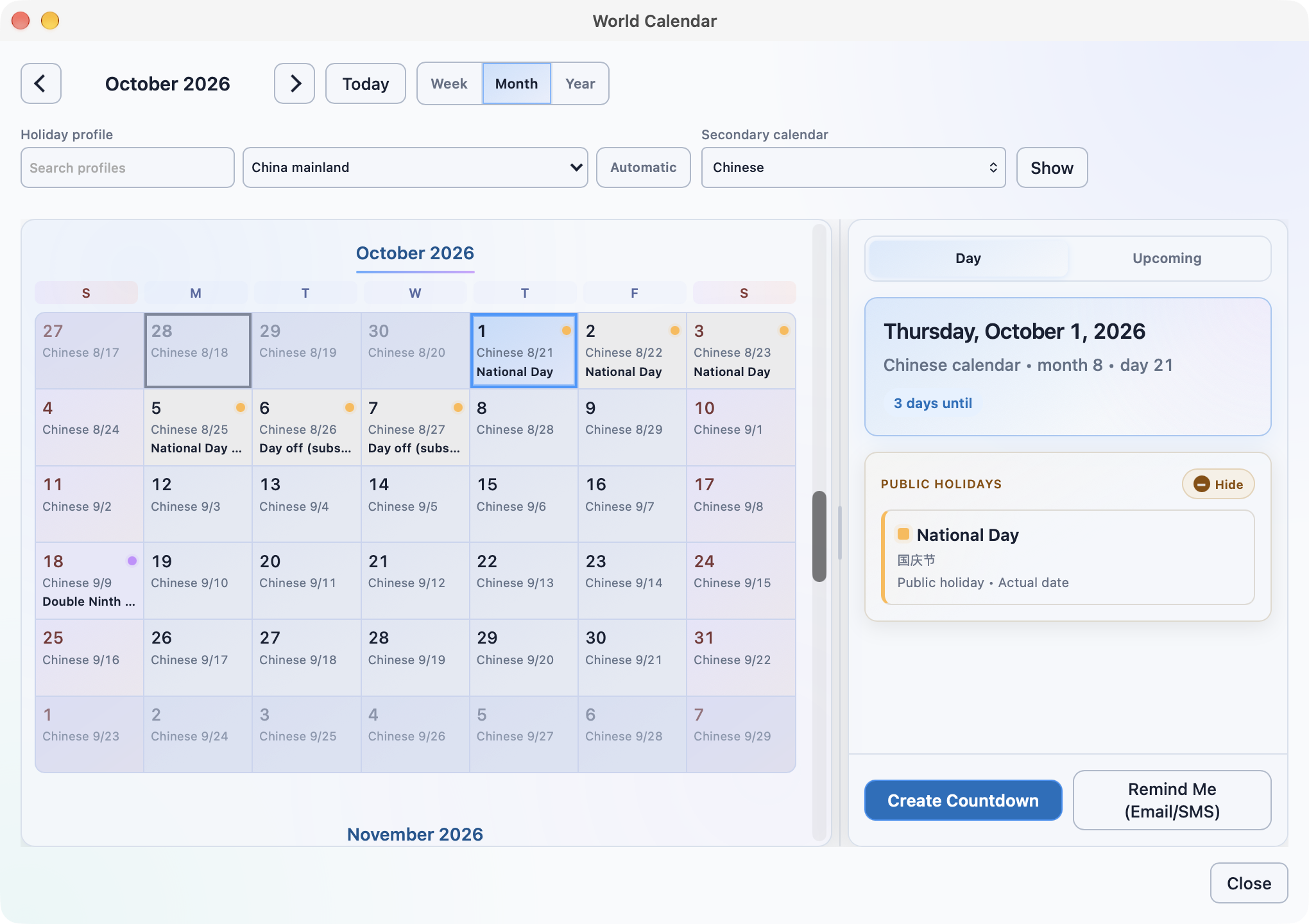
XTimers 3.5.0 includes World Calendar, with regional holidays and countdowns created from dates, alongside flexible timer views, report charts and sound controls. Calendar data needs an initial download. Personal Apple Calendar events are an optional, read-only view.
The free-download fact describes the current App Store price. Connected services have their own eligibility and terms.
Source: Mac App Store listing · Download fact sheet
Copy a description, or download the extended version with availability details.
XTimers brings count-up timers, countdowns, world clocks and time reports into one flexible Mac workspace.
XTimers is a Mac app for keeping several kinds of time in view. Run count-up timers and countdowns, organize reusable task sets, keep world clocks nearby and review where your time went. Core timers and local reports work offline without an account.
Ten English compositions from genuine Mac captures.
All images: Mac 3.5.0. Sample local data.
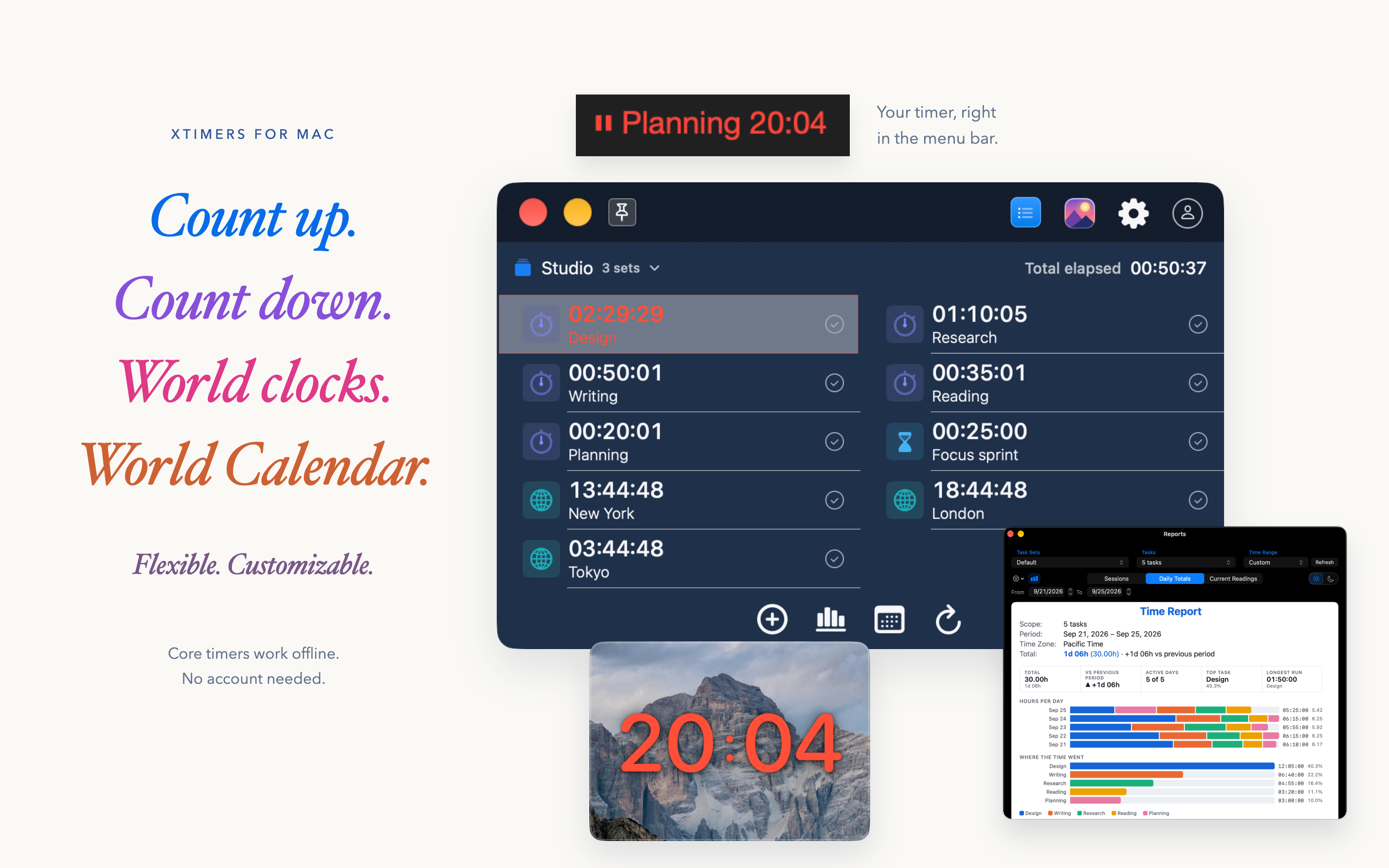
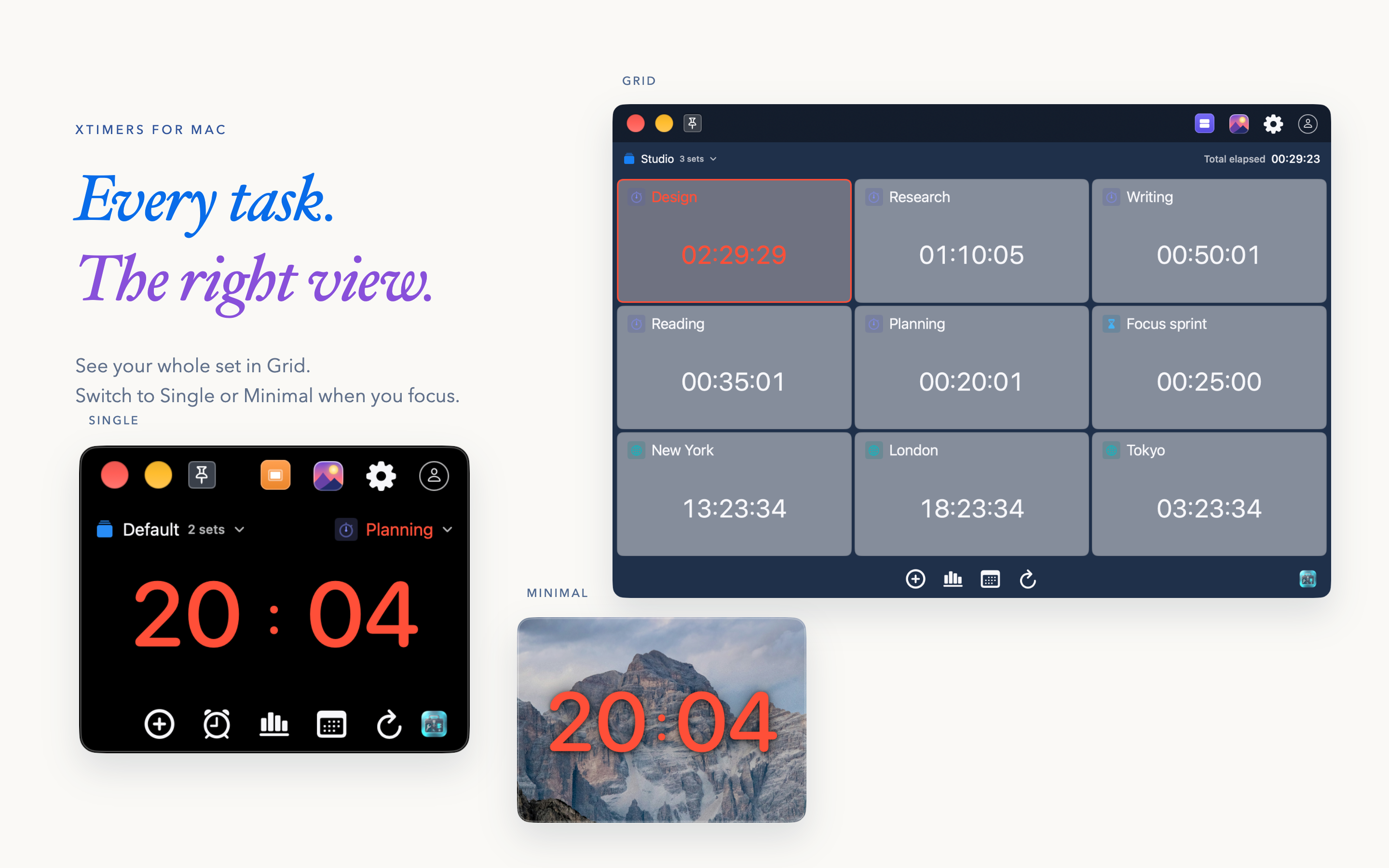
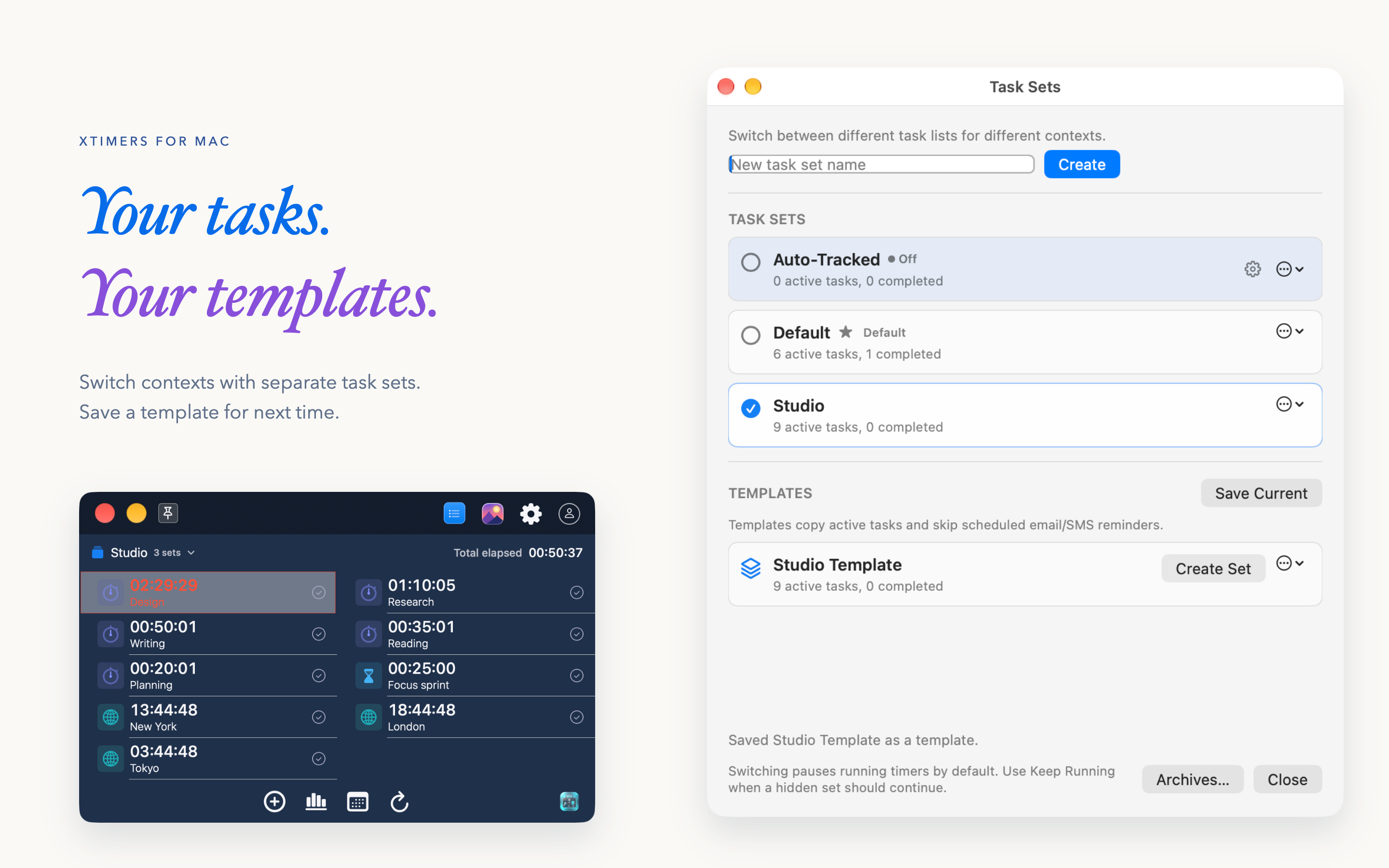
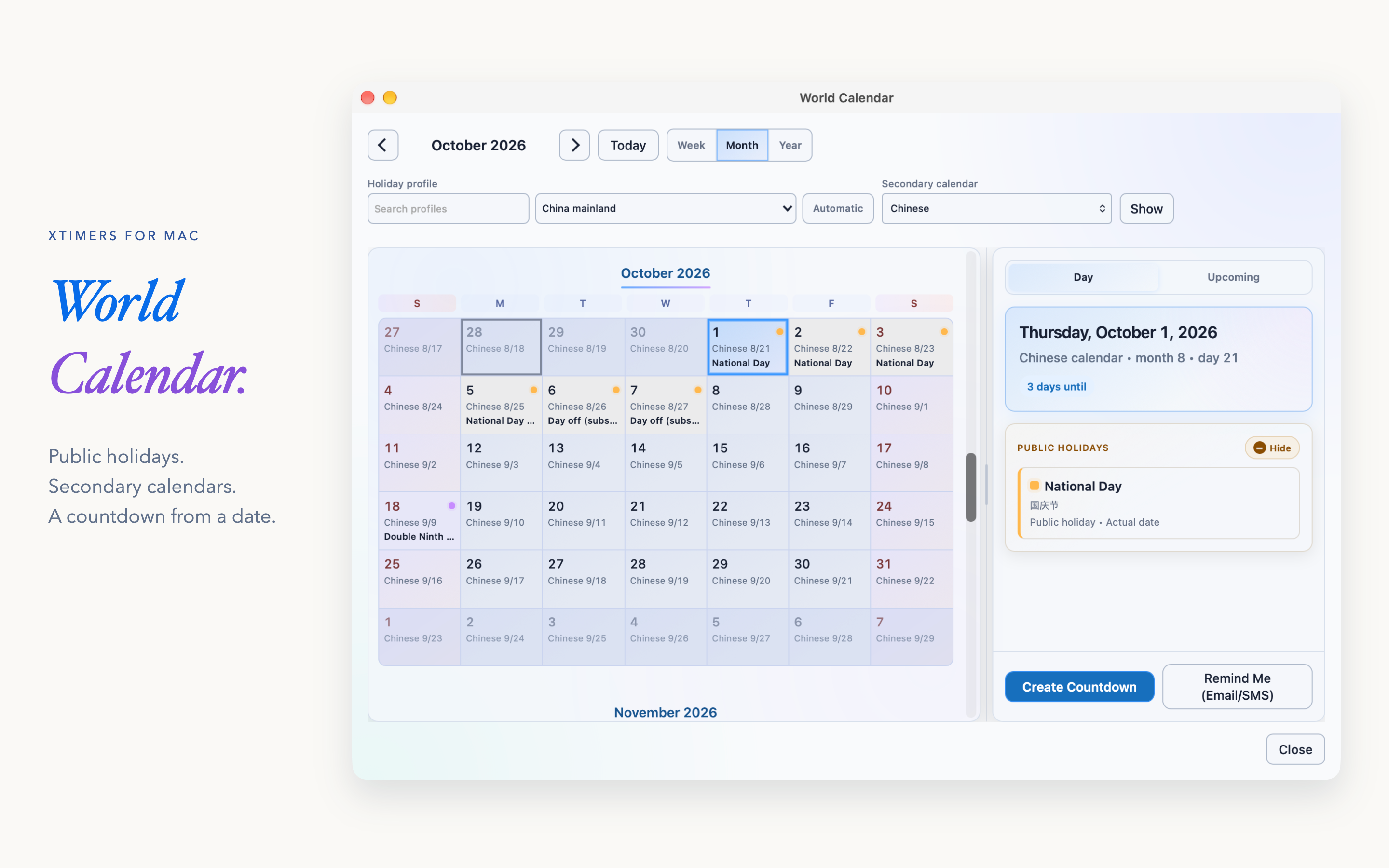
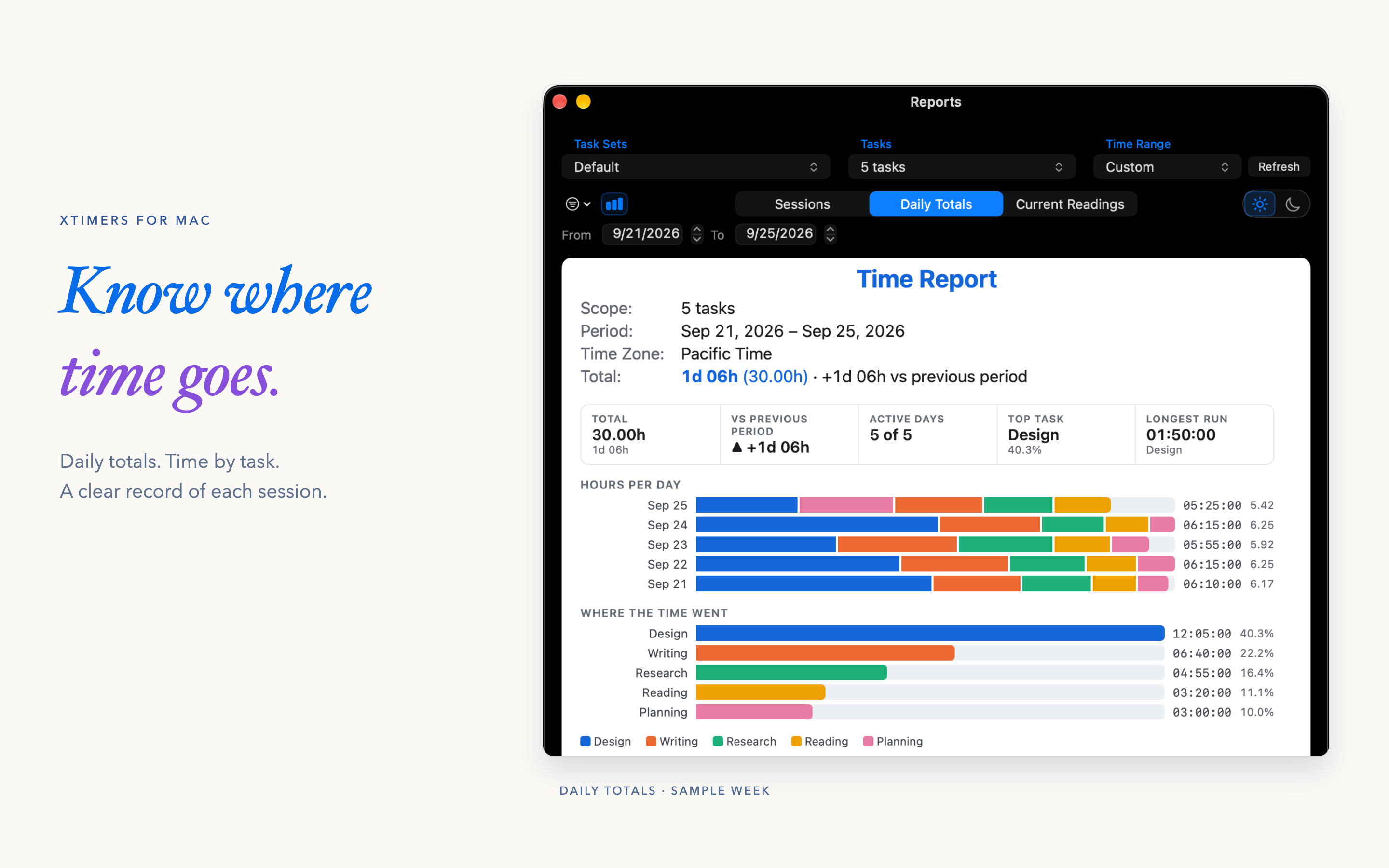
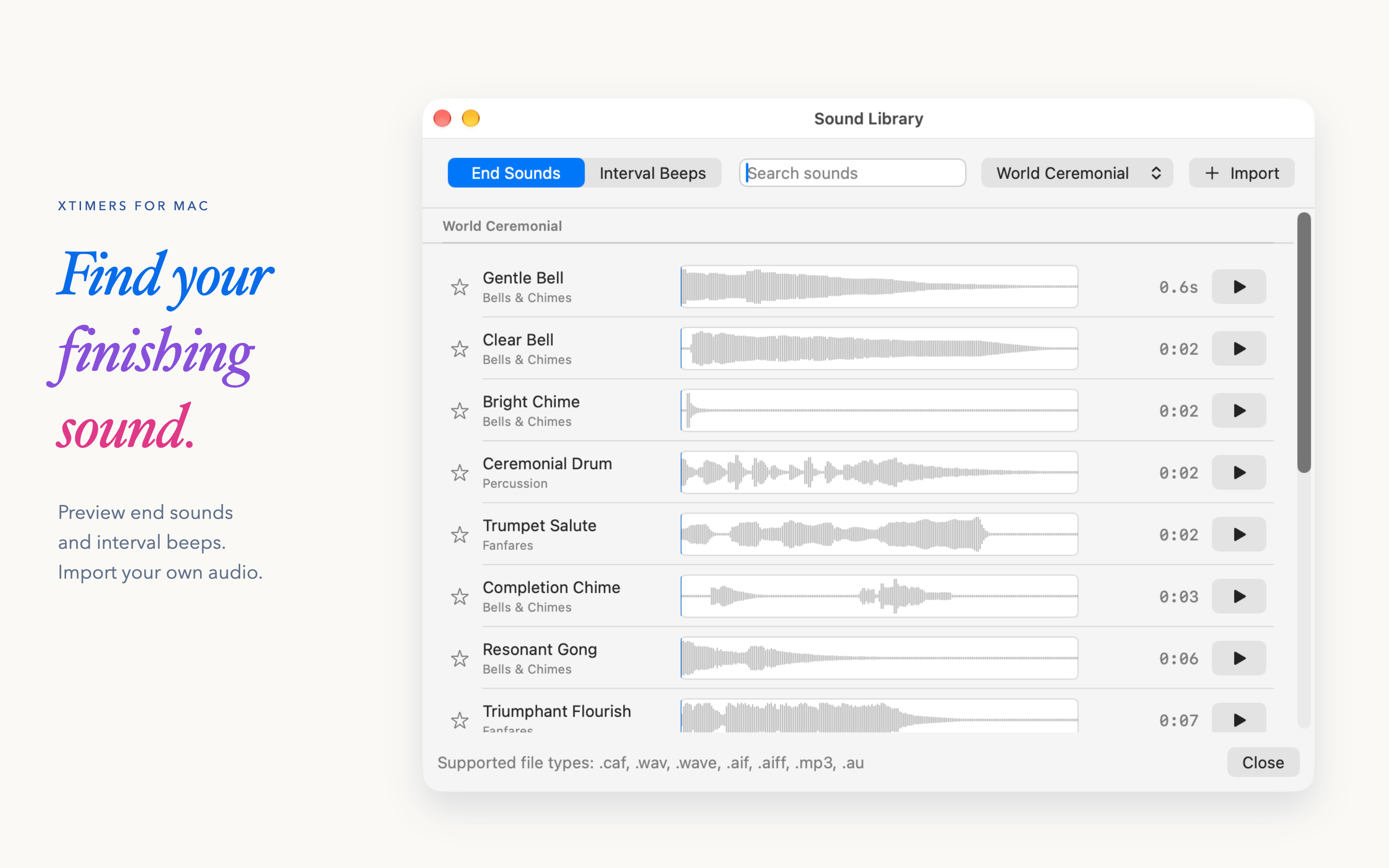
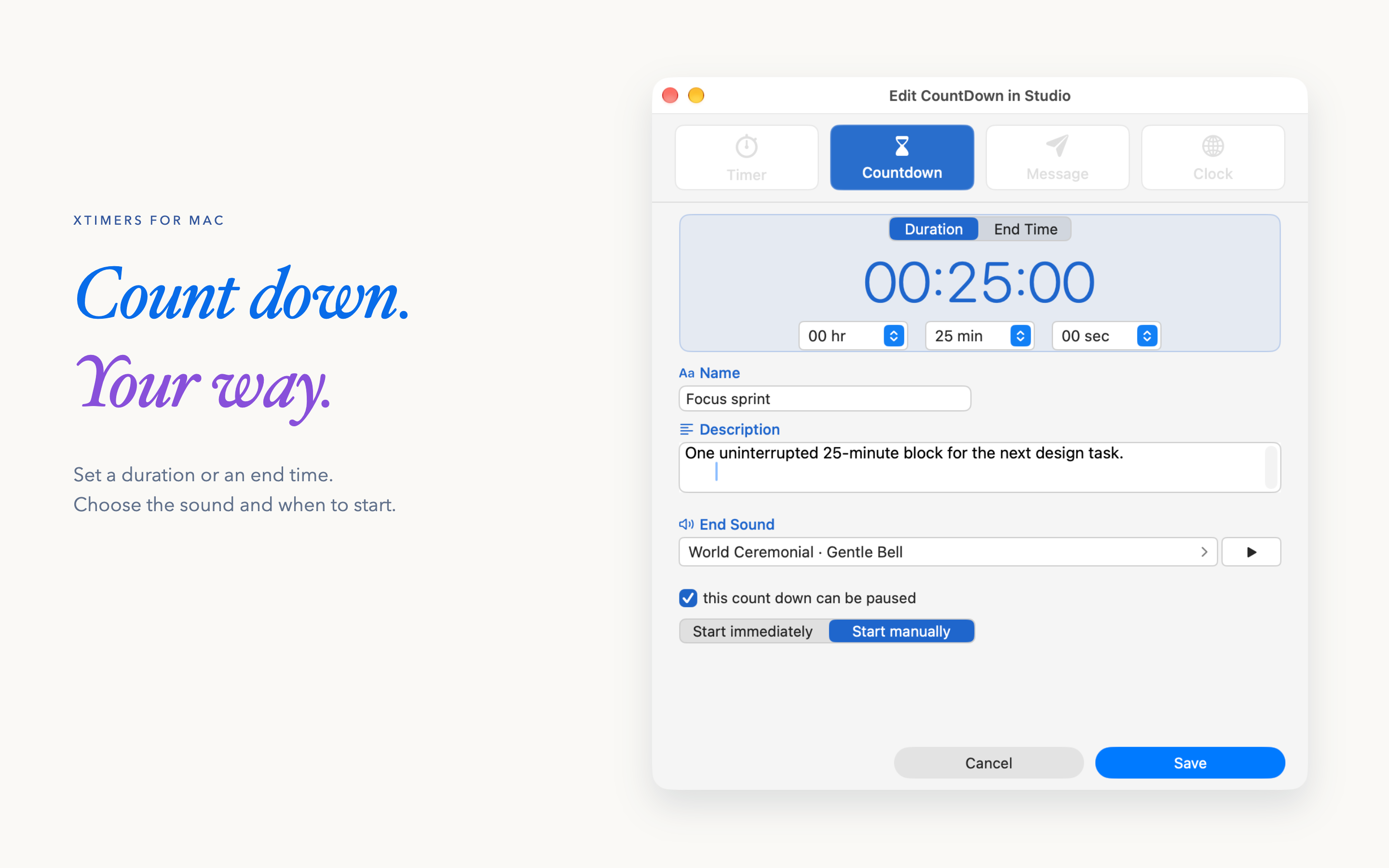
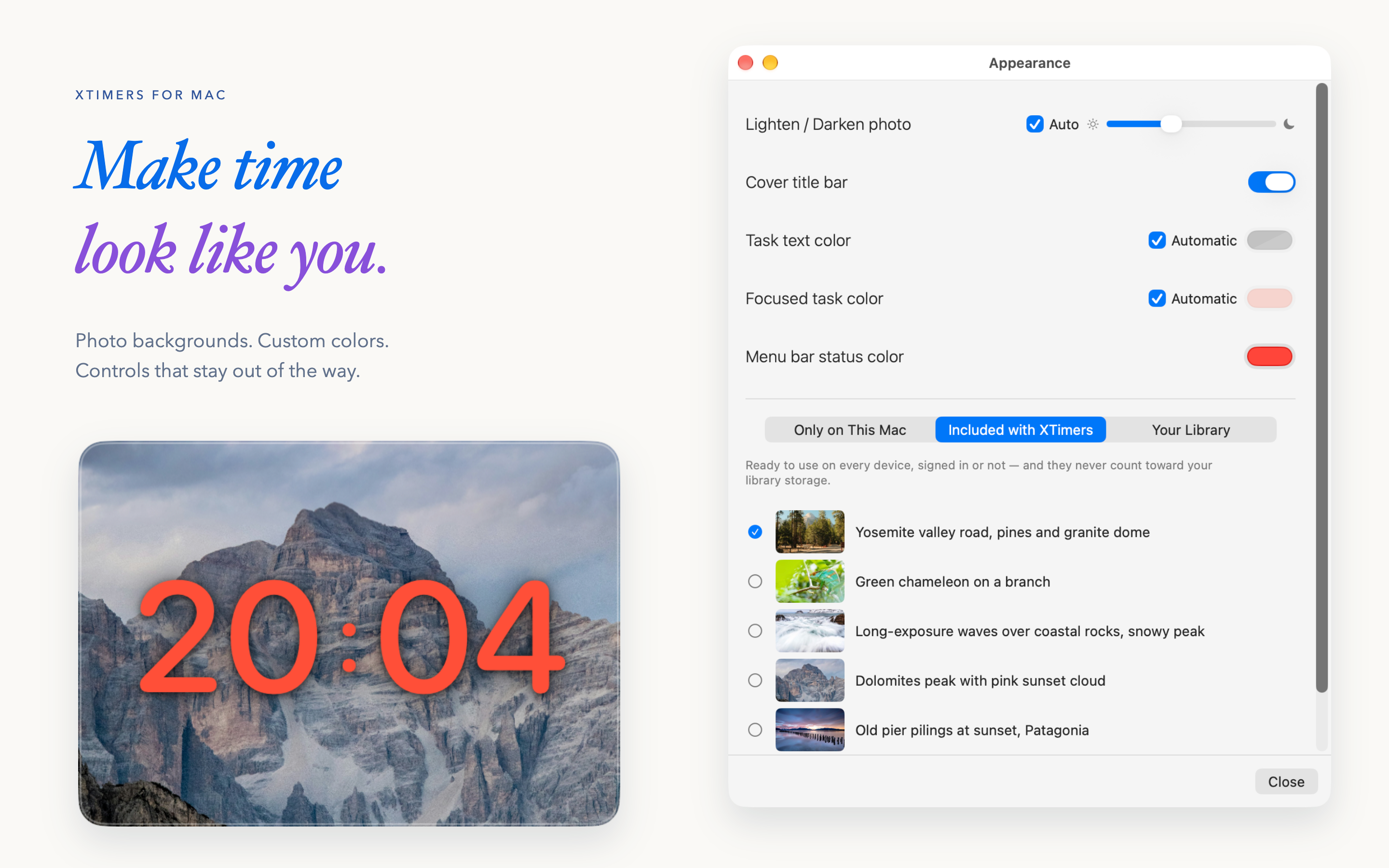
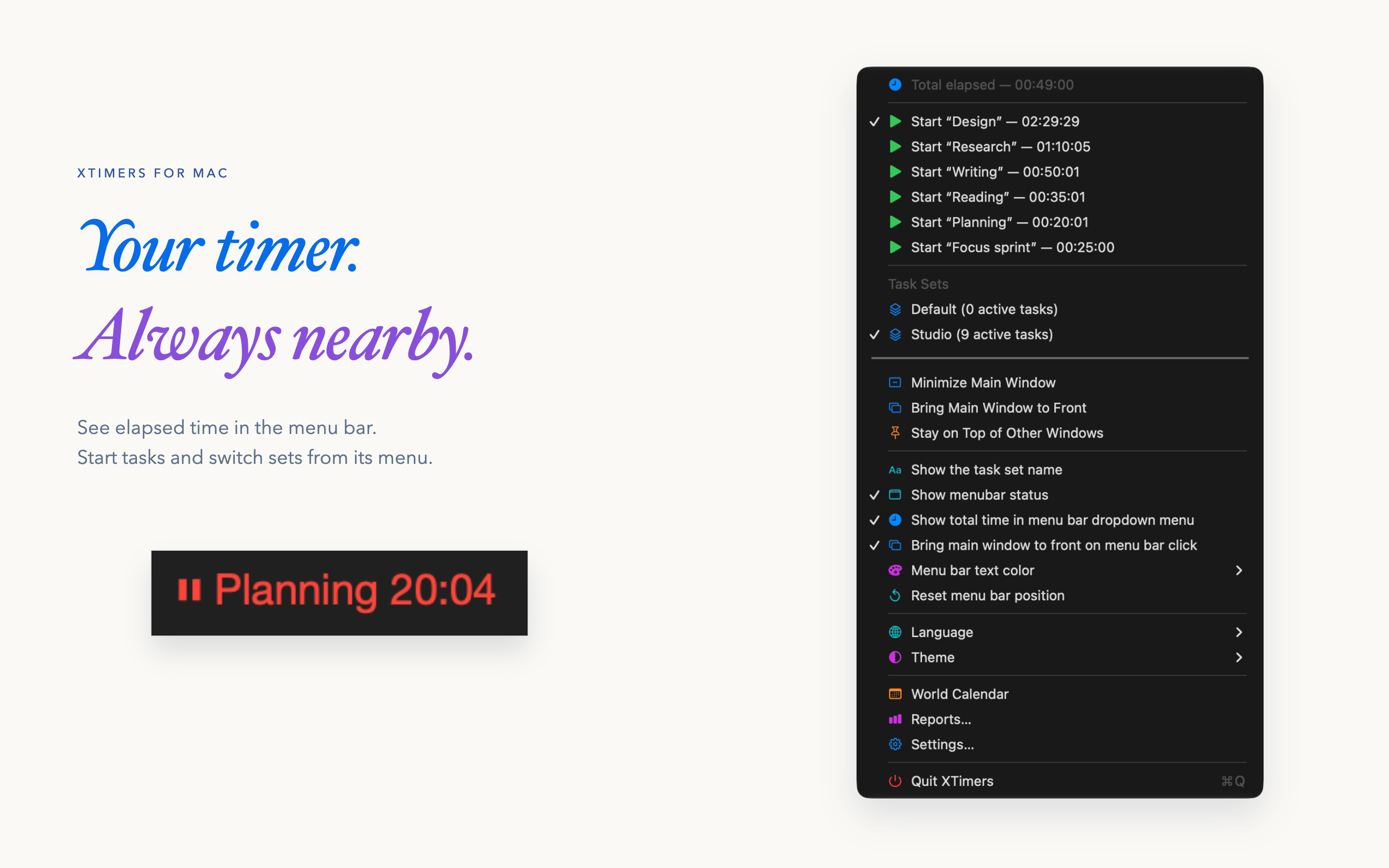
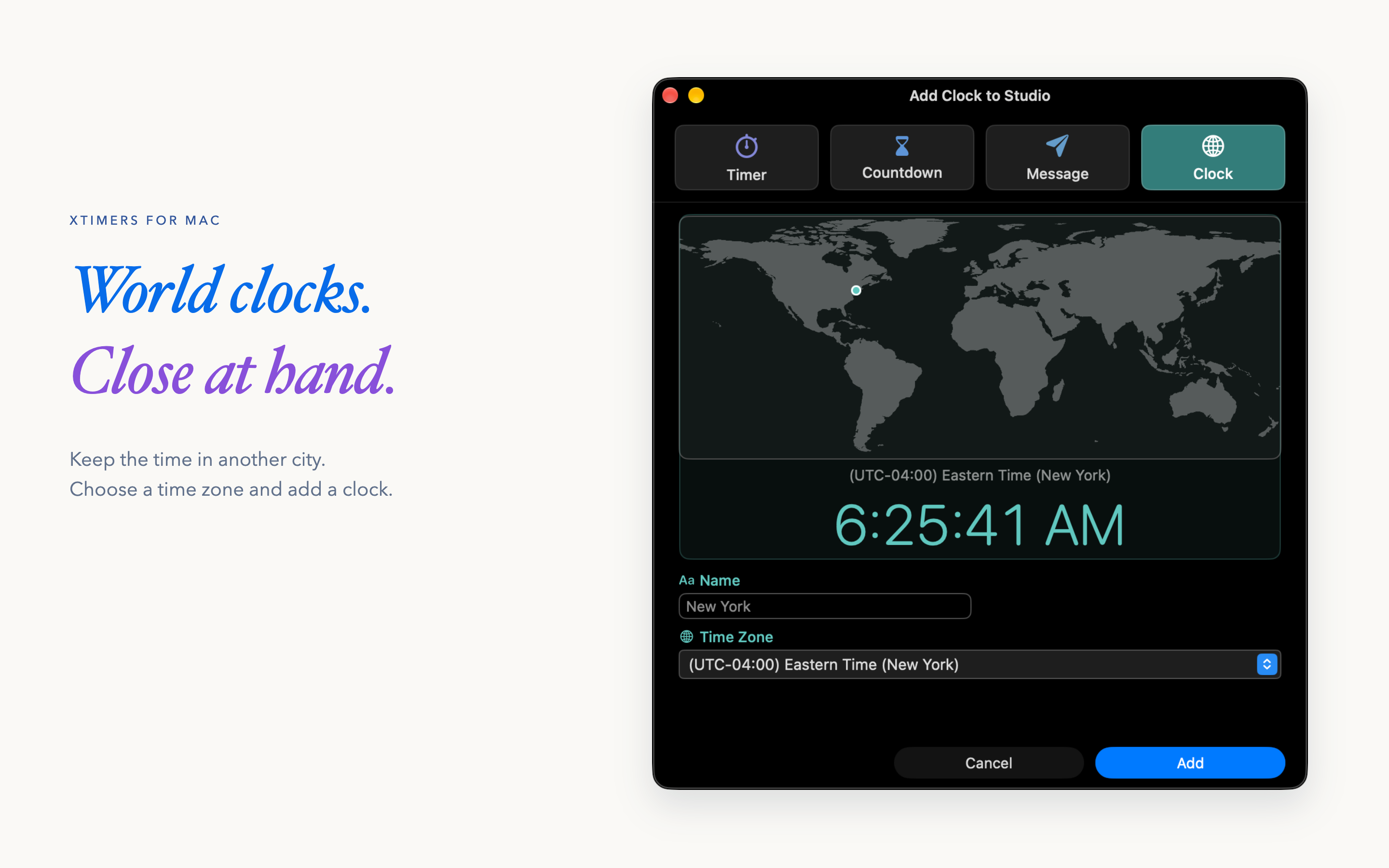
Image credit: Xintech LLC. The images show XTimers 3.5.0 with sample local data. View provenance and hashes
Original files, clear captions and a dated fact sheet in one portable package.
40 seconds / A real Mac workflow
Resume a task, follow its reading in the menu bar, then explore a week of sample reports.
XTimers 3.5.0 for Mac.
A silent walkthrough with English captions.
The 30-hour report uses an existing sample week; it was not created during the short timer run.
No narration, music or audio track. Visible app controls, readings and charts come from native recordings; surrounding headlines and captions are editorial text. English WebVTT · Video provenance
Questions, product information or a request for additional material?
Use Xintech LLC’s existing public contact route.